Visualize your data with powerful charts.
Explore 21 interactive, responsive, and accessible chart types in Datawrapper.
Line & area charts:
Show trends over time or categories.
Edit visualization
Customize your charts for faster, clearer insights
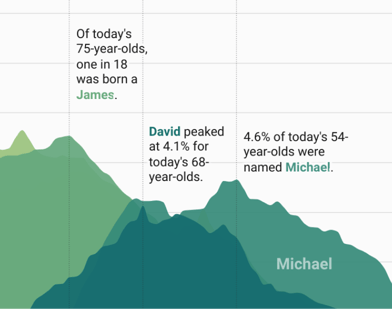
Customize the colors and style of your bars, lines, and areas
Show tooltips on hover
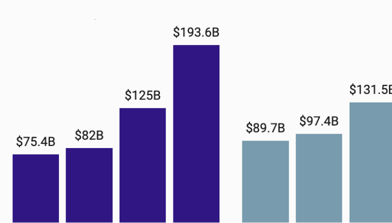
Add units to your axes, labels, and tooltips
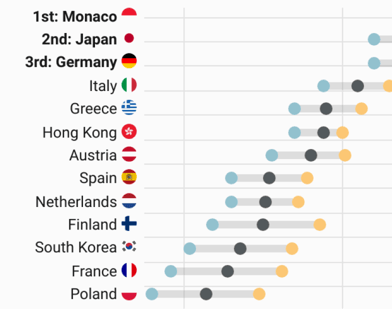
Replace country codes with flags – Learn more in the Academy
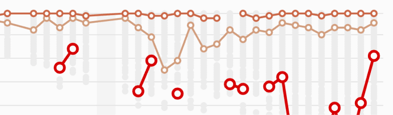
Show line chart symbols
Easily translate chart text and localize number formats – Learn more in the Academy
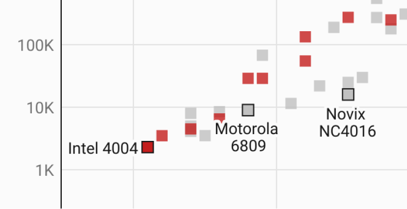
Plot your data on a log scale to better show growth
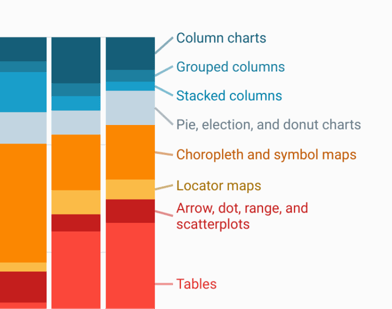
Automatic labels that become a color legend on small screens
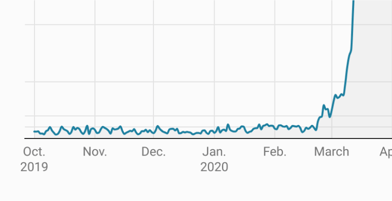
Uploaded dates will be understood as such - date axes are easy to decipher by default
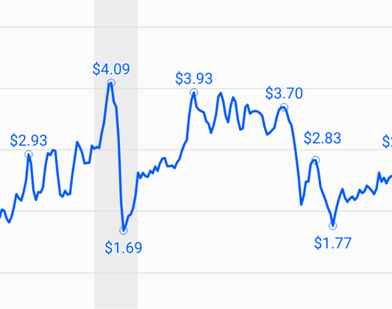
Highlight start, end, and peak values with labels that never overlap
Tell your story with annotations
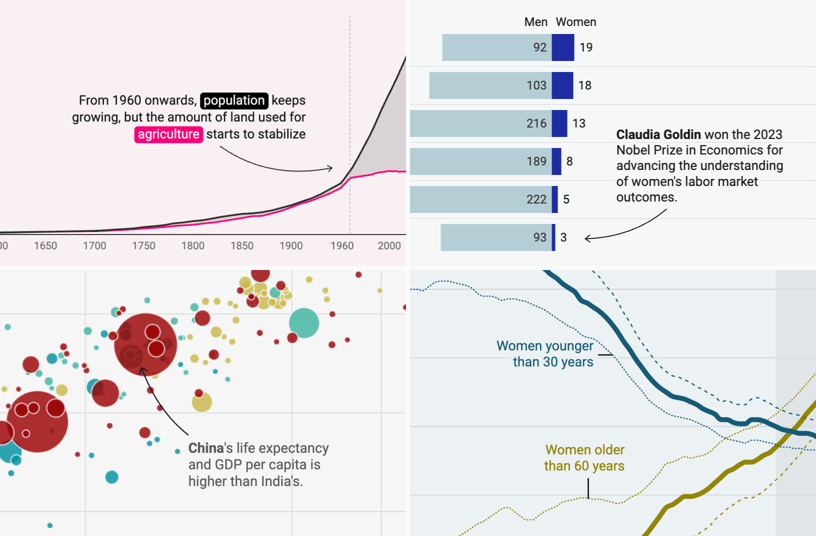
Add text annotations and format them to your liking — or let them move below the chart on mobile screens – Learn more in the Academy
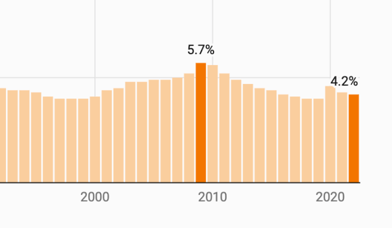
Highlight and label selected data points
Highlight timespans and other intervals with shaded ranges
Add context to your data
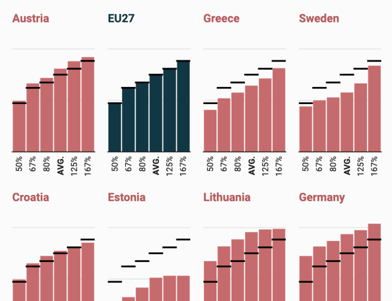
Add overlays with more context – Learn more in the Academy
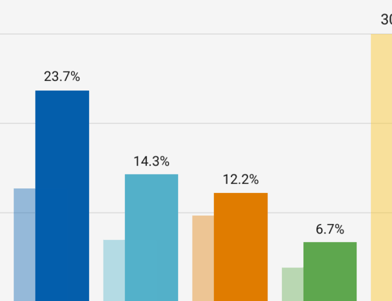
Add background columns for a point of comparison – Learn more in the Academy
Add confidence intervals to show uncertainty – Learn more in the Academy